
What is an AI Video Generator?
An AI video generator turns a written scene or visual reference into a moving clip. This AI video generator is designed for fast creative drafting: describe the shot, choose duration and aspect ratio, add references when visual continuity matters, then review motion, framing, and story clarity before the next pass. It gives creators a practical way to test video ideas before opening a full editing timeline.
- Text-to-video prompts for product shots, cinematic scenes, explainers, and social clips.
- Image-to-video starts for reference frames, product visuals, characters, and storyboard beats.
- Aspect ratio and model choices for Reels, Shorts, TikTok, YouTube, ads, and review drafts.

Video controls for prompts, references, and clip review
Banano AI Pro keeps video generation close to image creation, so teams can move from still concepts into motion without rebuilding the brief.
Text-to-video scenes
Write the shot like a director
Describe the subject, camera movement, action, environment, pacing, lighting, and mood. Clear scene direction helps the model understand what should move and why.
Image-to-video starts
Animate a stronger first frame
Use a generated image, product mockup, character concept, or storyboard frame as the visual anchor before asking for motion, camera travel, or atmosphere.
Short-form ratios
Plan for the channel early
Draft square, vertical, or widescreen clips for Reels, Shorts, TikTok, YouTube, landing pages, product demos, and ad testing without changing the rest of the workspace.
Multi-model routing
Match the model to the scene
Try Grok Imagine Video for fast social drafts, then compare Seedance, Veo, or Wan options when a shot needs different motion, realism, or prompt adherence.
Credit-aware drafting
Review ideas before scaling
Short clips help you test a hook, product reveal, transition, or camera move before spending more credits on longer or higher-detail video production.
Saved outputs
Keep reusable clip history
Signed-in users can return to completed video generations in My Creations, download files, and use the best still frames or prompts to guide future visual work.
Where generated video fits your workflow
Use short clips for concept approval, social hooks, paid media tests, and product motion before committing to full production.
Paid social and creator hooks
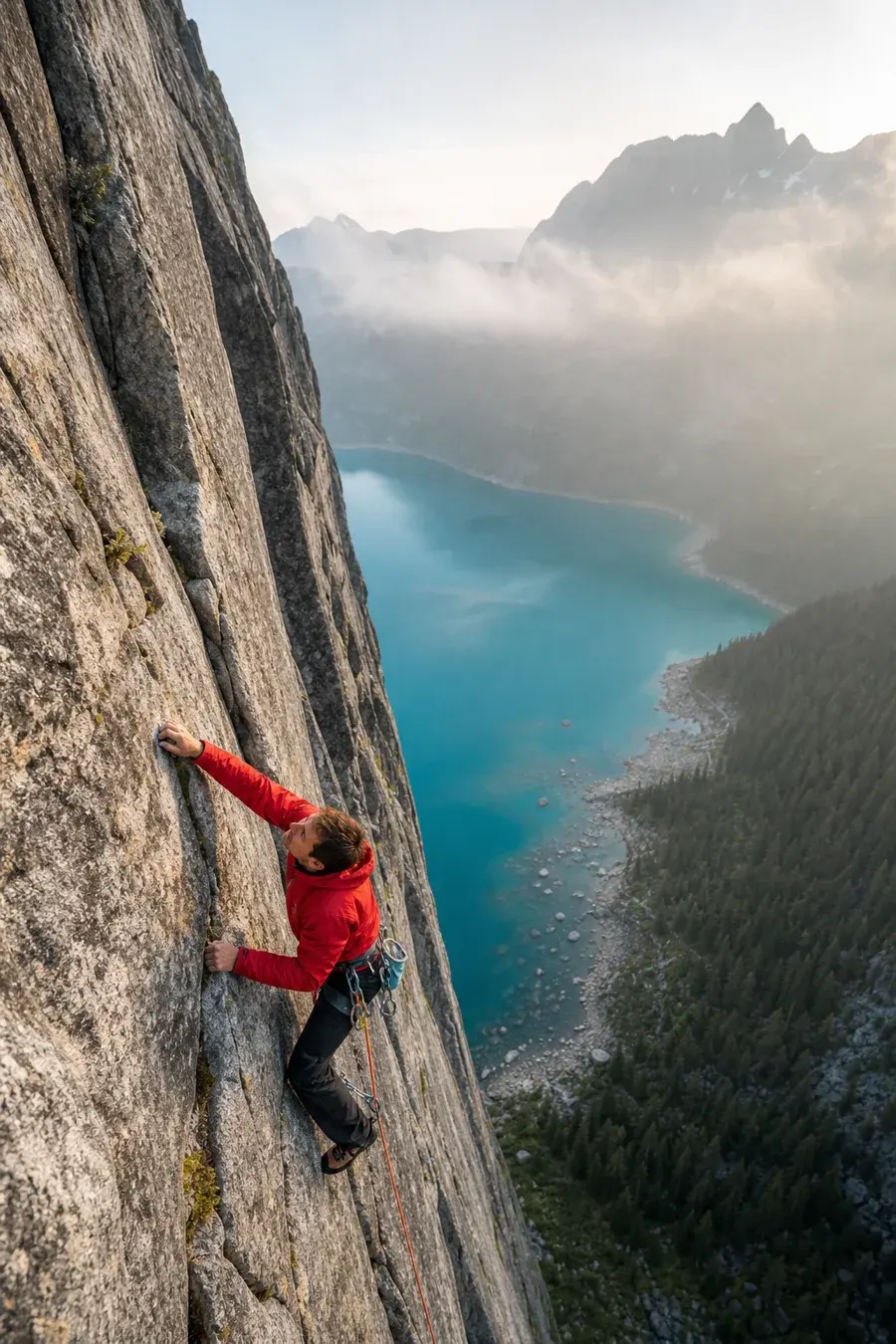
Generate opening visuals for TikTok, Reels, Shorts, and paid social tests. A short motion draft can validate the scene, pacing, background, and product angle before a team spends time editing a complete ad.
Product motion and launch concepts
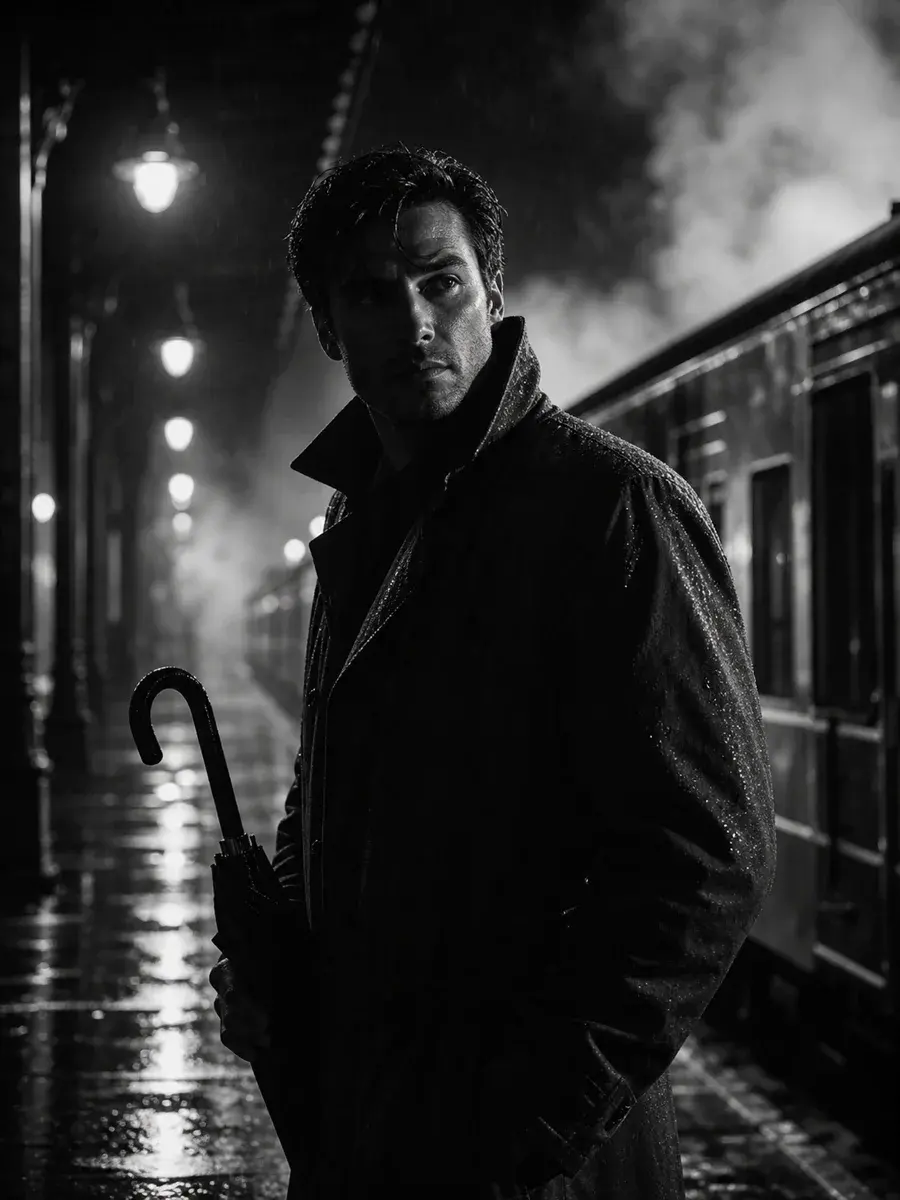
Turn a product image or written idea into a rotating reveal, lifestyle moment, packaging scene, or hero transition. This helps founders and marketers compare motion directions before shooting or briefing an editor.
Storyboards and cinematic drafts
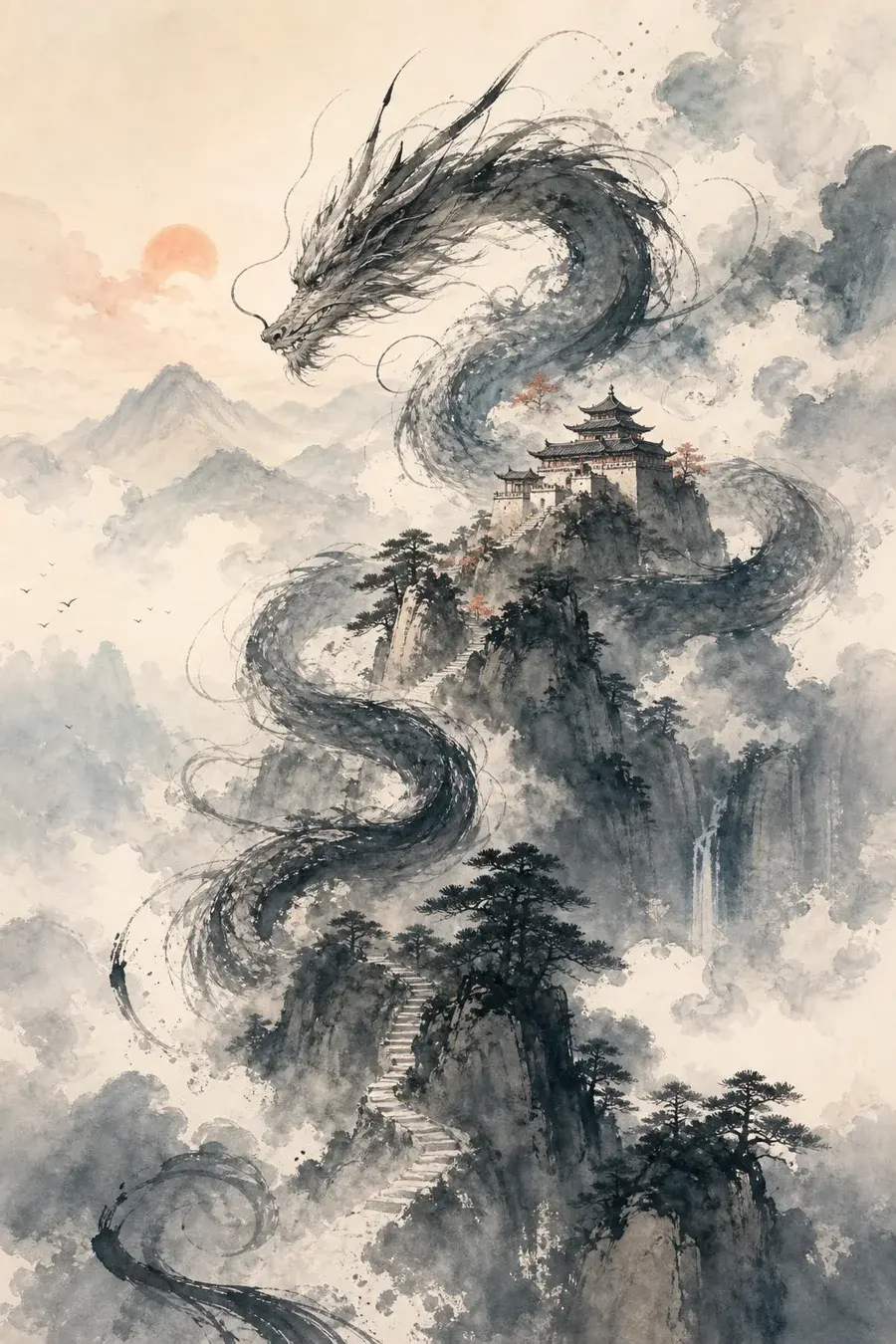
Convert a scene description into a reviewable clip for mood, movement, and framing. Directors, designers, and creators can test visual rhythm before building a longer sequence or campaign narrative.
How to use the AI Video Generator
Video prompts work best when they describe motion, camera behavior, and timing, not just the subject.
Video Generator FAQ
Create your next video draft
Start with a scene prompt or reference image, generate a short clip, and refine the strongest direction.